$ odytty --screenshots
Screenshots
Existing real captures of panes, themes, settings, graphics, and command palette. These show established workflows; they do not depict the v0.15.0 quick terminal, external file-drop preview, keyboard window merge, or the Electric Blue theme, nor the v0.14.0 Profile Manager, External palette settings, or Session Navigator.
$ odytty --demo - screenshots


$ odytty --split-panes

$ odytty --rendering-demo
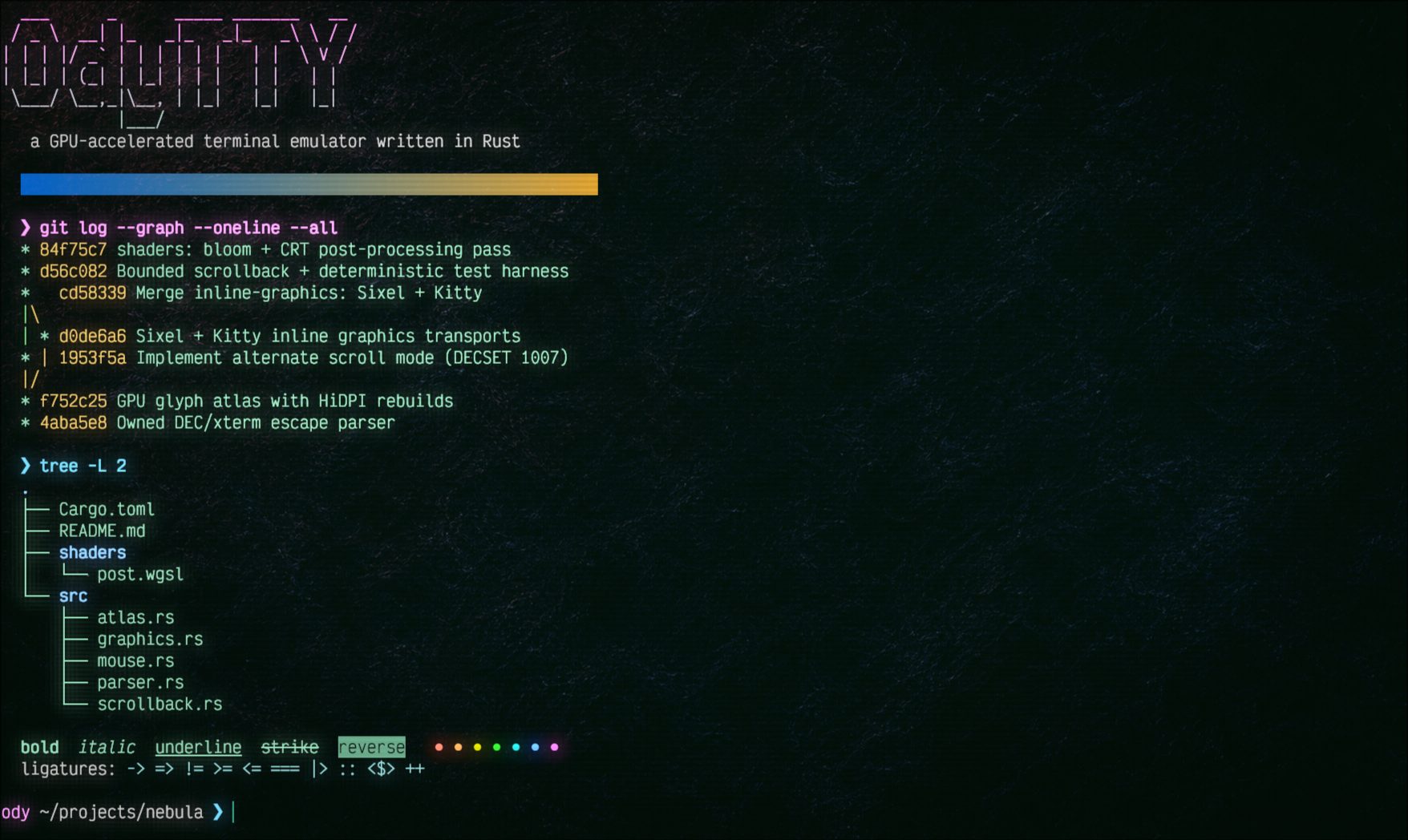
Play the recorded terminal demonstration
The recording illustrates terminal output; use the screenshots and feature reference for individual app workflows.